 |
| The Homepage |
| The GetMeRadio app! |
| Navidrome |
| VLC & Other media players |
| TuneIn (Web/app) |
| Discord Server |
The Pixel Radio homepage (easiest)
Listening to us is as easy as clicking on to our homepage (here) and then clicking the Play button :)
The GetMeRadio app [Top]
1. Download the app from the Google Play store, Aurora store, or App store (iOS).
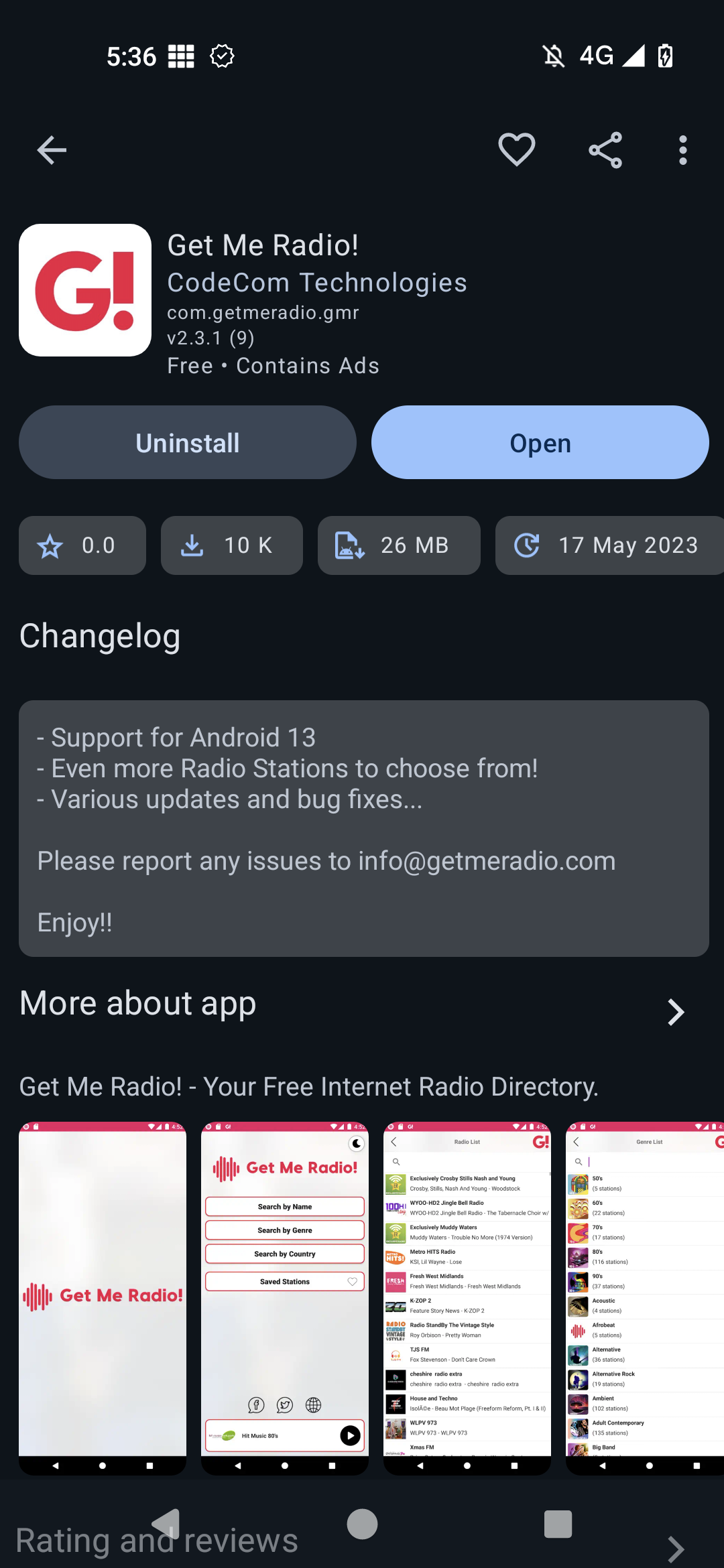
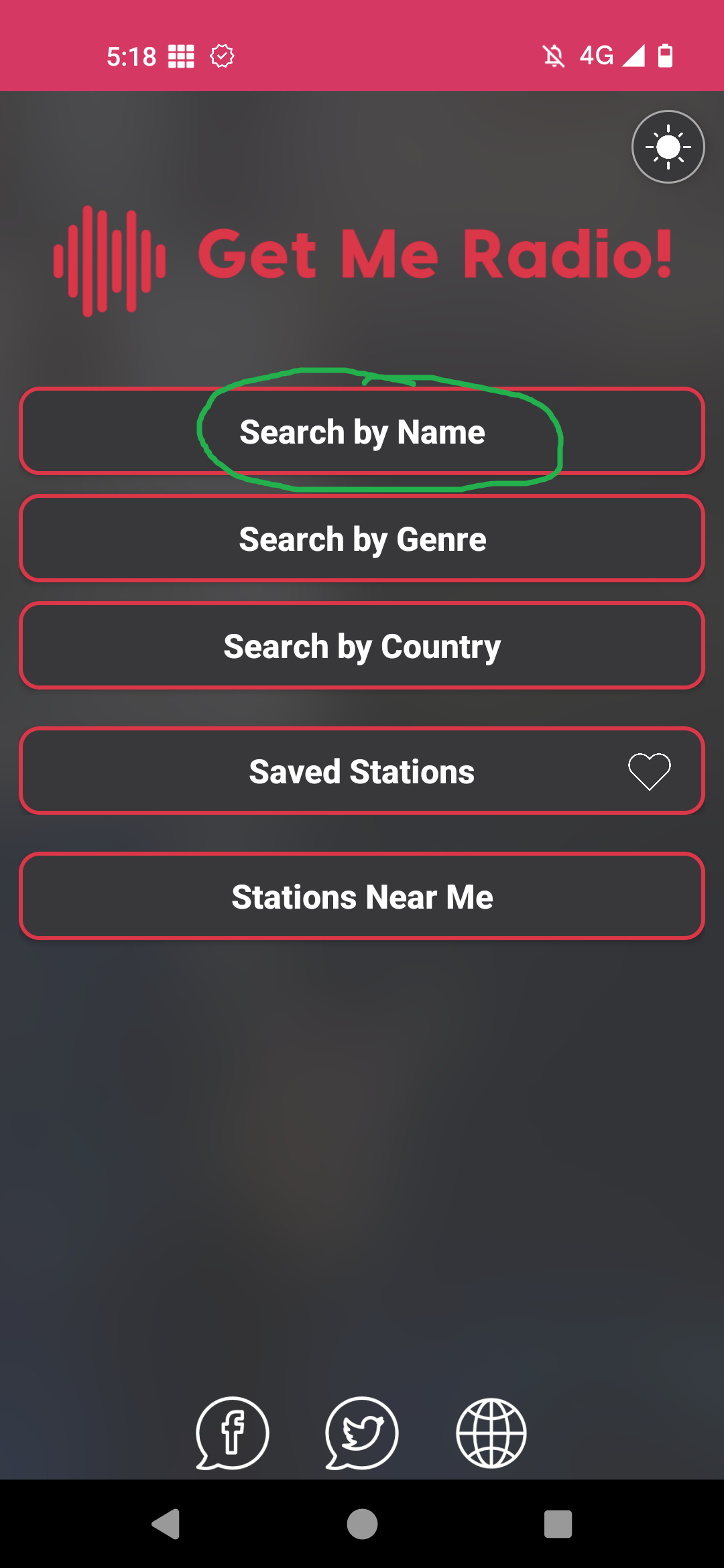
2. Tap on "Search by Name"
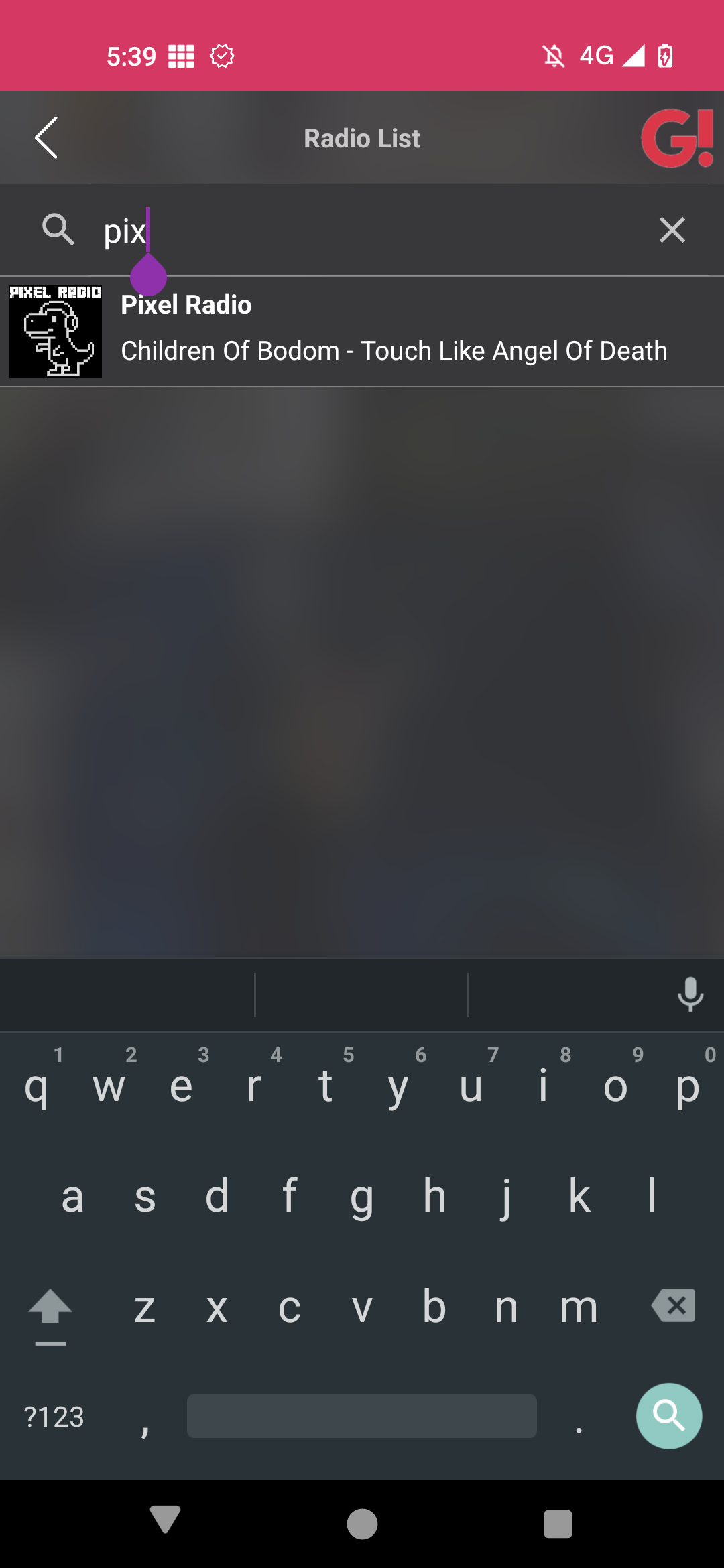
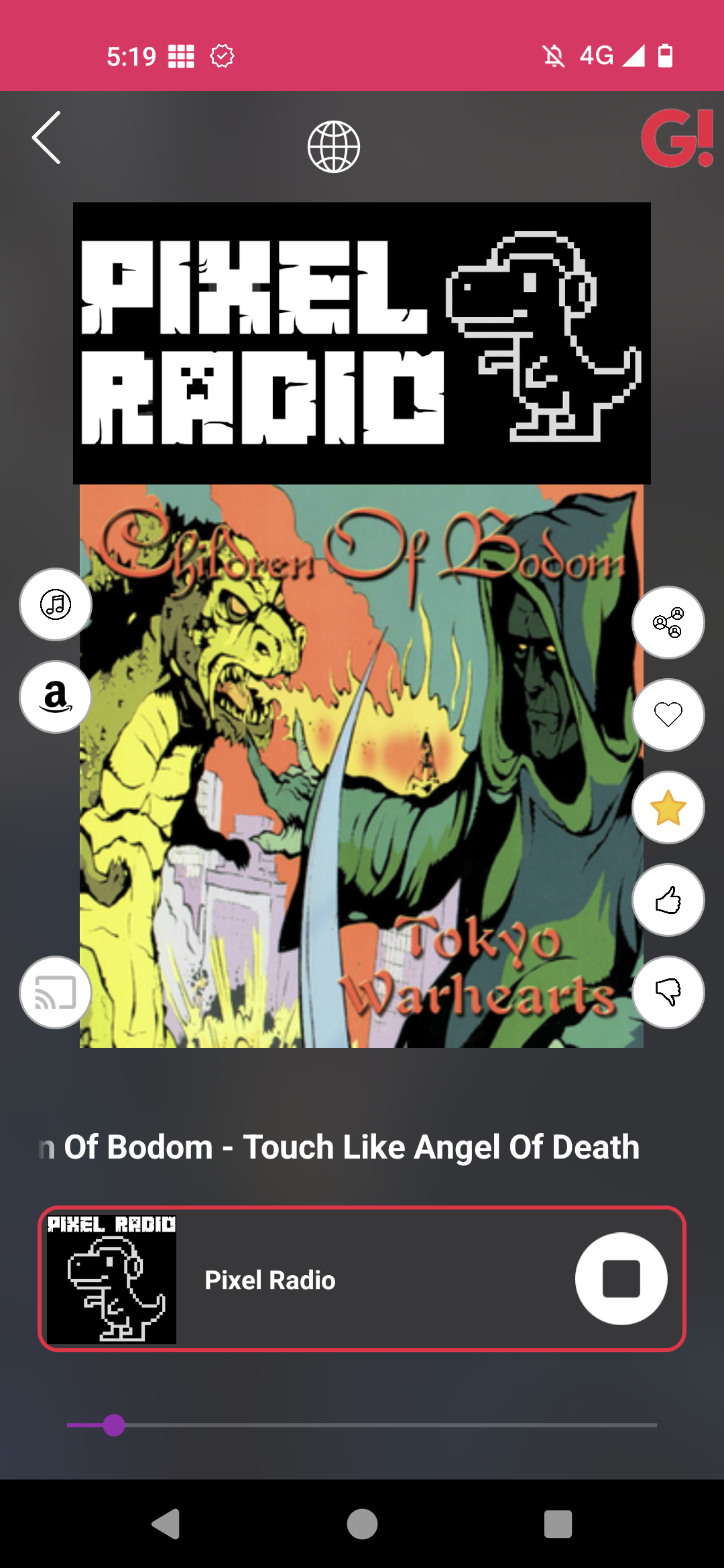
3. Search for "Pixel", and then tap on "Pixel Radio" to start listening anywhere you go.
Navidrome (must be done as the admin user) [Top]
If you stream your own music library using Navidrome, follow the screenshots below to add us to your Radio list :)
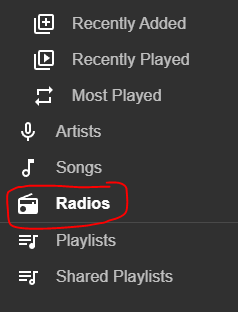
1. Log in as the admin user, and click "Radios" on the left side
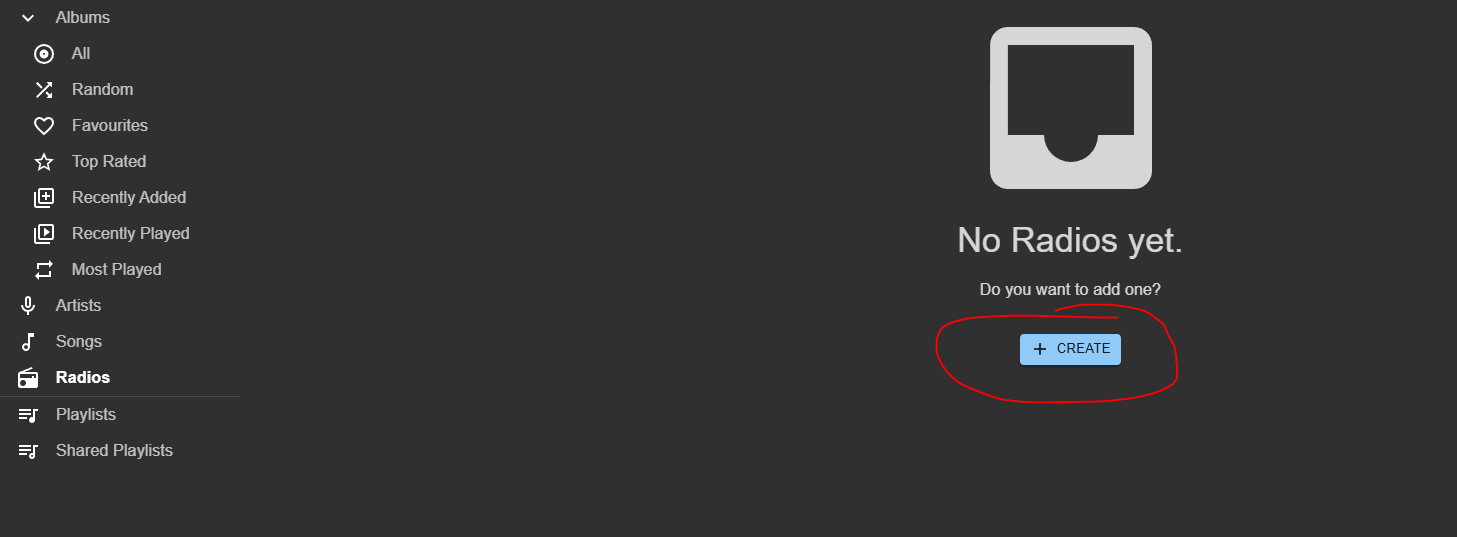
2. Click "Create"
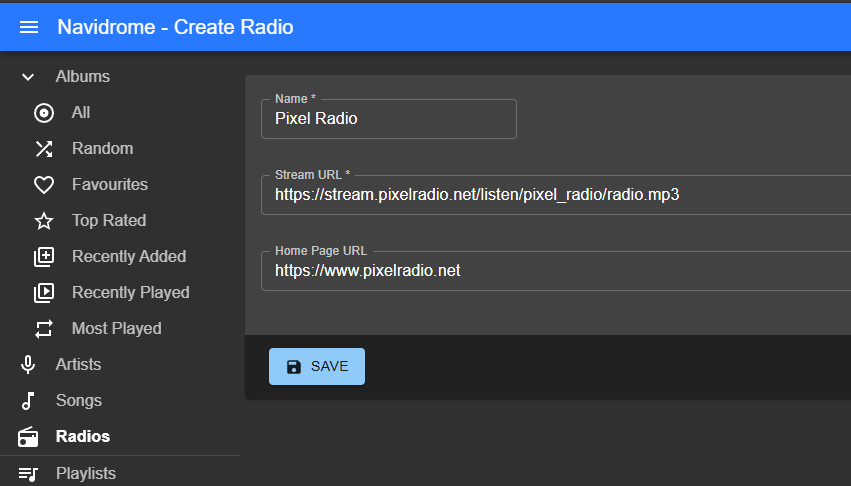
3. Enter the following details:
- Name: Pixel Radio
- Stream URL: https://stream.pixelradio.net/listen/pixel_radio/radio.mp3
- Home Page URL: https://www.pixelradio.net
4. Click "Save". You will then see Pixel Radio has been added to Navidrome. Click it to start listening :)
VLC & Others (using .M3U file) [Top]
Using our .m3u file, you can load our stream into just about any media player of your choice. Right-Click HERE and choose "Save link as" to download our .m3u file. Then open it in any media player. Simples :)
TuneIn [Top]
Go to: Our TuneIn page and click Play. Simples!
Discord [Top]
Click this link or paste it into Discord https://discord.gg/T6XV9cd8CW
Once in the server join the "radio-stream" voice channel to hear the stream :)